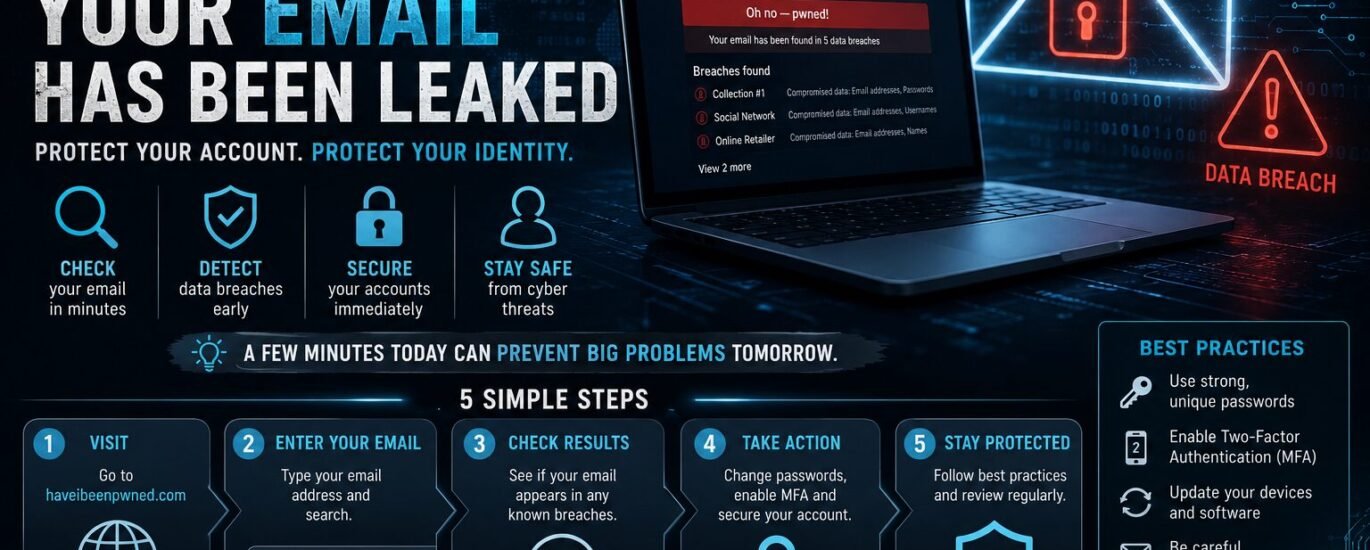
Guide #001 How to Check if Your Email Has Been Leaked
Almost everyone uses email every day for work, online shopping, banking, social media, and dozens of other digital services. This means that a single security breach can affect a significant part of our digital lives. Knowing how to check if your email has been leaked is no longer a skill reserved for cybersecurity professionals, it has become an essential practice for every internet user.
Over the past few years, hundreds of major companies and organizations have disclosed Data Breaches that exposed millions of email addresses, passwords, and personal records. In many cases, users had no idea their information had been compromised until they started receiving phishing emails, spam campaigns, or even experienced attempts to hijack their online accounts.
Detecting a data breach early can help you change your passwords, enable additional security measures, and prevent more serious cybersecurity incidents before they happen.
What Does It Mean If Your Email Has Been Leaked?
When we hear that a company has suffered a Data Breachmany people assume that only users' email addresses were exposed. In reality, data breaches often include much more sensitive information, such as usernames, hashed or even plain-text passwords, phone numbers, dates of birth, physical addresses, and in some cases, payment details.
This information is frequently collected into massive databases that are traded among cybercriminal groups. As we explained in our Stolen Data, τα προσωπικά δεδομένα αποτελούν πλέον ένα πολύτιμο ψηφιακό “νόμισμα”, το οποίο χρησιμοποιείται για phishing επιθέσεις, identity theft, credential stuffing και άλλες μορφές κυβερνοεγκλήματος.
The fact that your email appears in a data breach does not necessarily mean that your account has already been compromised. It does, however, mean that your information is no longer under your control and could potentially be exploited in the future.
How to Check if Your Email Has Been Leaked
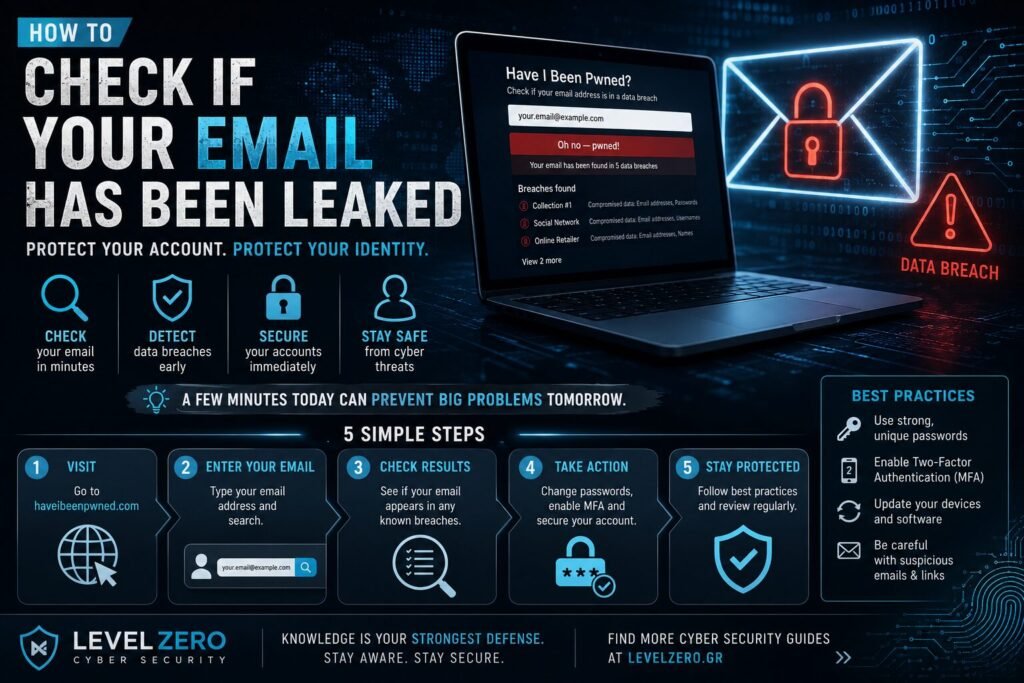
The most reliable way to determine whether your email address has appeared in known data breaches is by using Have I Been Pwneda trusted service created by cybersecurity researcher Troy Hunt and used by millions of people around the world.
The process is extremely simple. Visit the website, enter your email address, and the service will search its extensive database of publicly known data breaches. If your email address is found, you will see which services were affected, when the breach occurred, and what type of information was exposed.
The service does not reveal users' actual passwords or provide access to leaked databases. Its purpose is solely to notify users and encourage them to take appropriate security measures as early as possible.
What Should You Do If Your Email Appears in a Data Breach?
Discovering that your email address has been exposed in one or more data breaches does not mean you should panic. Instead, it should be viewed as an opportunity to immediately improve the security of your online accounts.
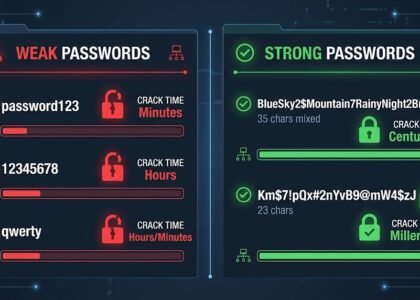
The first and most important step is to change the password of the affected account. If you use the same password across multiple services, you should replace it everywhere, since password reuse remains one of the leading causes of account compromise.
Next, enable Multi-Factor Authentication (MFA) whenever it is available. MFA adds an extra layer of protection that can significantly reduce the risk of unauthorized access, even if your password has been leaked.
It is also a good idea to review your active login sessions, sign out any unfamiliar devices, and verify that your recovery email address and recovery phone number are still correct.
Finally, if you are still relying on simple or reused passwords, now is the perfect time to start using a trusted Password Manager to generate and securely store unique passwords for every account.
How to Reduce the Risk of Future Data Breaches
No online service can guarantee absolute security. However, there are several simple habits that can significantly reduce your risk.
Use a unique and strong password for every online account, enable MFA whenever possible, keep your devices and software up to date, and avoid entering personal information on websites you do not fully trust.
At the same time, remain especially cautious when dealing with phishing emails that exploit known data breaches to appear more convincing. Many modern cyberattacks begin with information that has already been exposed during previous security incidents.
Why Regular Email Monitoring Is Now Essential
Cyberattacks never stop, and new data breaches are disclosed almost every month. Checking whether your email has been exposed takes only a few minutes, but it could save you from financial losses, account hijacking, or even identity theft.
Cybersecurity does not begin after an incident occurs. It begins much earlier, with simple preventive actions that significantly reduce the likelihood of becoming the next victim.
Knowing how to check if your email has been leaked has become one of the most important digital security skills. A simple check can reveal whether your personal information has been exposed and give you the opportunity to secure your accounts before cybercriminals take advantage of it.
As discussed in our articles about Stolen Data and The Dark Webdata breaches are often the starting point for many modern cyberattacks. Awareness, prevention, and proper management of your personal information remain the most effective defense against today's digital threats.
This article is published exclusively for educational and informational purposes. Its goal is to promote cybersecurity awareness and improve users' digital security. The information presented is intended to help individuals prevent cyber threats, protect their personal information, and adopt safer online practices. It is not intended to promote offensive activities or unauthorized access to systems.
Find more Cyber Security articles or contact us to learn more about cybersecurity awareness, digital privacy, online safety and modern cyber threats.